
Article created in commercial collaboration with Evoto
Introduction
When you pose in front of my lens for a portrait session, you open up. You trust me with your image, your emotions, and sometimes even your insecurities. It's a responsibility I take very seriously.
The question that comes up most often during initial discussions: "Do you retouch the photos?" My answer is always the same: yes, but not the way you might imagine.
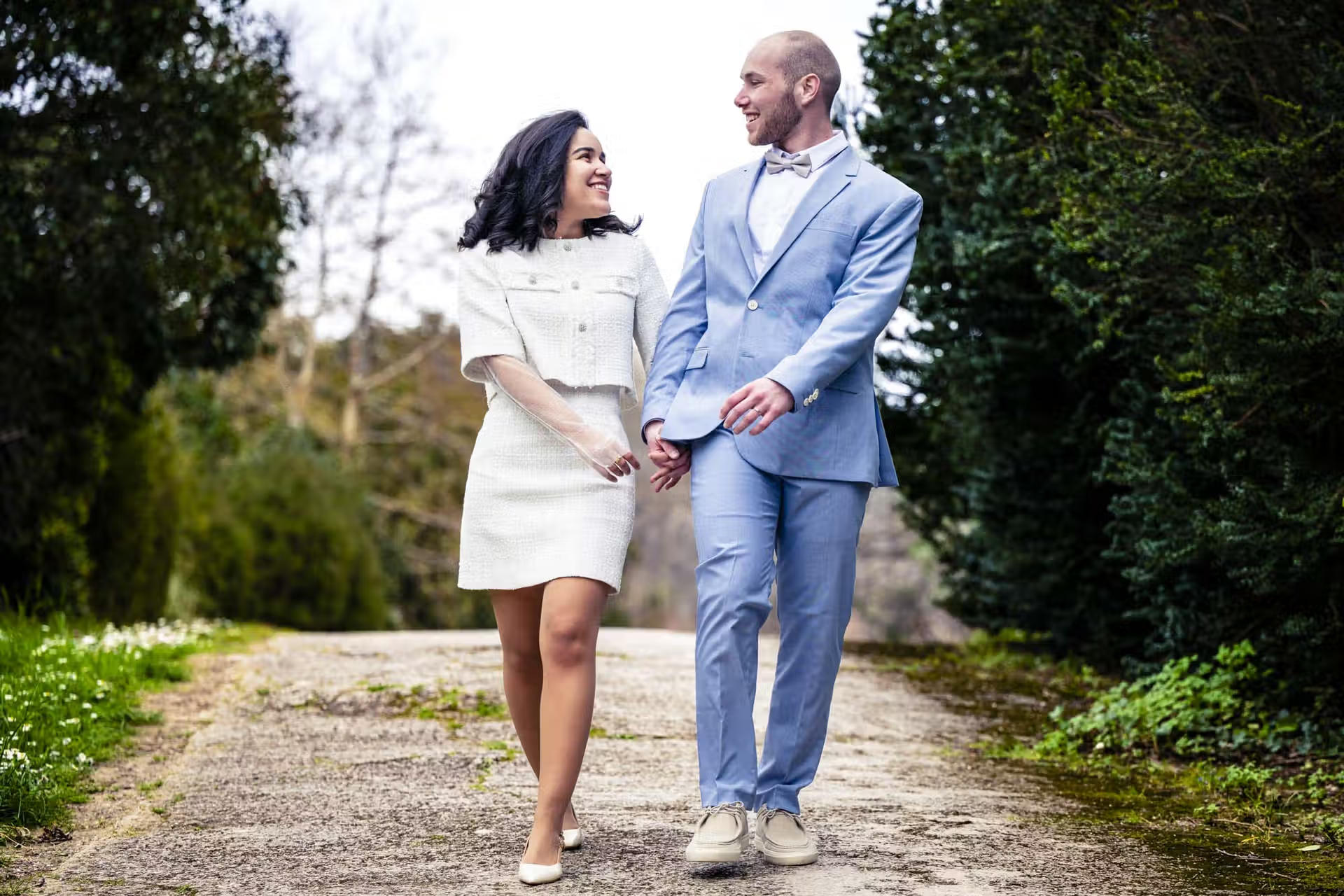
I don't believe in excessive retouching that transforms people into wax dolls. My goal is not to make you look like someone else, but to show you that you can be beautiful naturally, while preserving what makes you unique. Your freckles, your asymmetrical smile, that little wrinkle at the corner of your eye when you laugh... that's what makes your unique charm.
However, that pimple that appeared the day before the shoot, those fatigue circles after a tough week, or that shine on your forehead due to stress? That, I remove. Because these aren't characteristics of your face, they're temporary imperfections.
Today, I'm opening the curtain on my portrait retouching workflow to show you how I achieve these natural and professional results that my clients are proud of.
For photographers or curious minds passing by: if you want to test the software I mention in this article, you can grab
. 15 free credits via this link. The code FLORIAN FLORIAN will also give you 20% off packs.
My Step-by-Step Retouching Process
Step 1: Rigorous Selection
Everything starts with culling. During a one-hour portrait session, I capture between 200 and 400 photos. Not all of them are meant to be retouched. My job is first to select the best shots: those where the light is perfect, where your expression is right, where the composition works.
I review each image, checking sharpness, emotion, and posture. This manual culling takes time, but it's essential. Some technically perfect photos lack soul, while others, with a small technical flaw, capture a look, an authentic smile that makes all the difference. This human discernment is what makes a professional selection valuable.
At the end of this selection, I generally retain between 40 and 80 photos that I'll develop and retouch for you.

Step 2: Development in Lightroom
Once the selection is complete, I move to development in Lightroom. This is where I create the visual identity of your series.
My method is simple but effective: I first apply my personal preset to all photos from the session.This preset, which I've developed and refined over the years, defines my visual signature: a contrasted and bright retouching style that primarily seeks to respect the mood of the moment.
But this preset is just a base, a starting point. Then, I review each photo individually to adjust:
- Exposure according to each shot's brightness
- Contrasts to give more or less punch
- Highlights and shadows based on areas to emphasize
- Cropping to optimize composition
- Sharpness and noise reduction if necessary
The goal? For all your photos to have a consistent and recognizable style,while respecting each image's particularities. This is what makes a series tell a harmonious visual story.
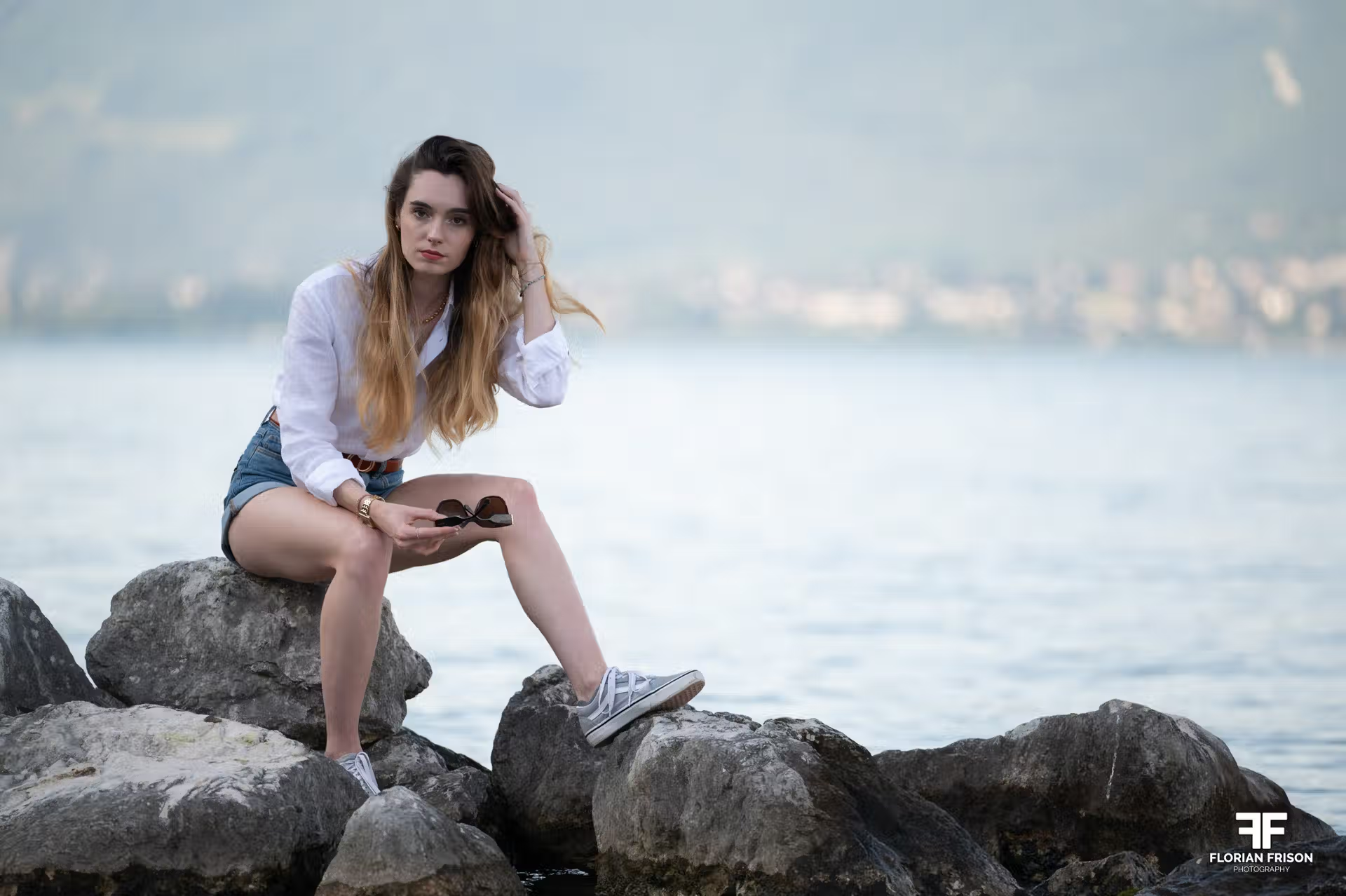
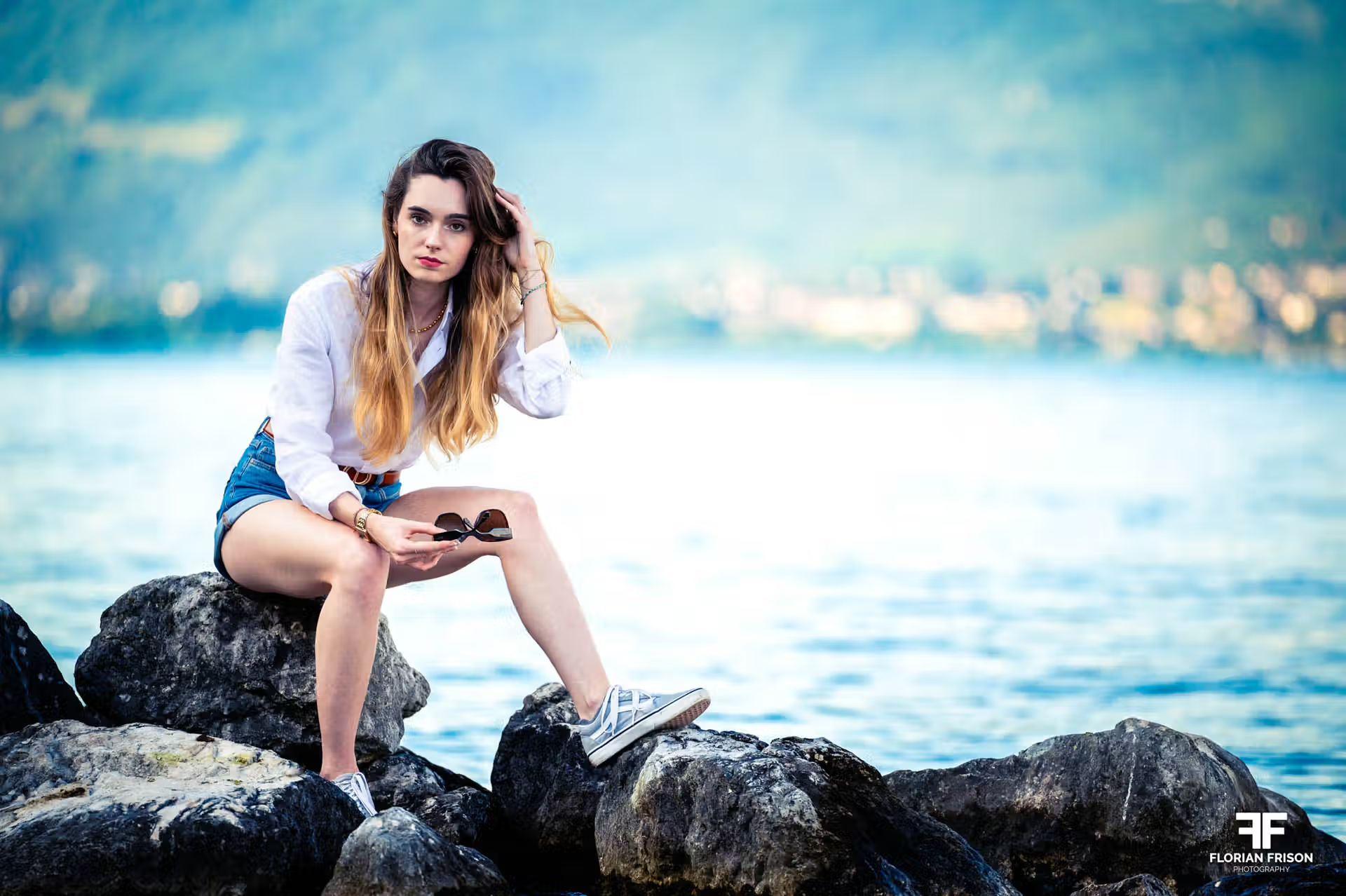
Step 3: Skin Retouching with Evoto
This is where Evotocomes in, the tool that has literally revolutionized my way of working. From Lightroom, I send my photos directly to Evoto for skin and detail retouching.
Why Evoto rather than Photoshop? Because it saves me considerable time..
Why Evoto rather than Photoshop? Because it saves me considerable time. What used to take me between 5 and 10 minutes of meticulous retouching in Photoshop (and sometimes much more on complex cases) now takes less than a minute with Evoto, while achieving professional results and maintaining total control over the rendering. And most importantly, because it allows me to keep a natural skin appearance, which is essential for me.

- 1. Correction of Temporary Imperfections
This is my number one priority. In Evoto, a simple slider allows me to remove acne, pimples, and small redness. The software automatically detects these imperfections and makes them disappear while preserving the natural skin texture.


What used to take me 10 minutes per photo in Photoshop (using the spot healing tool on each pimple) now takes 1 second with Evoto. Yes, you read that right: 1 secondA simple slider movement and it's done. And the result is often better because the algorithm preserves the surrounding skin texture.
💡 Want to test this speed? If you retouch images yourself and want to see this result with your own eyes, take advantage of
to try it on your own files. the 15 free credits here
- Reducing Dark Circles and Bags
Dark circles are often a source of insecurity, especially when you haven't slept well before a session. I use Evoto's dedicated function to reduce them (not remove them completely, which would be artificial), which restores freshness to the eyes.


- Shine Management
Shine on the forehead, nose, or cheeks is common, especially during indoor shoots with artificial lighting. Evoto allows me to unify the skin and remove these shiny areas that draw too much attention, for a more harmonious result.
- Clothing Retouching
An aspect often forgotten, but extremely important: clothing. During the session, lint attaches, wrinkles form, sometimes even a small stain appears.
With Evoto, I can smooth out clothing and remove these small annoyances with a few clicks. The result is stunning.
This is often the longest step in post-production. If you want to save hours of digital ironing, don't forget to use code FLORIAN (-20%) after claiming
. your free trial.
- Eye Enhancement
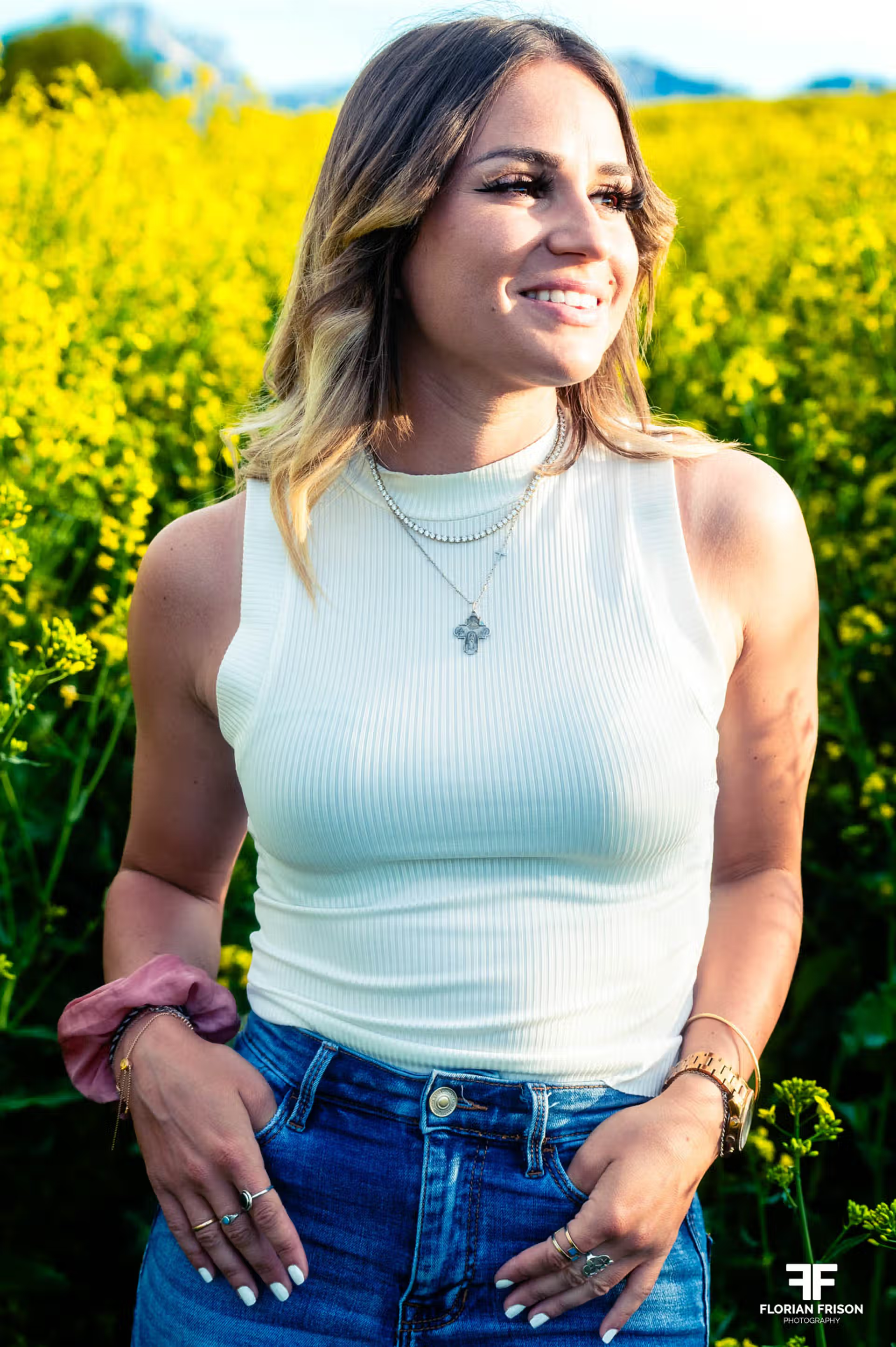
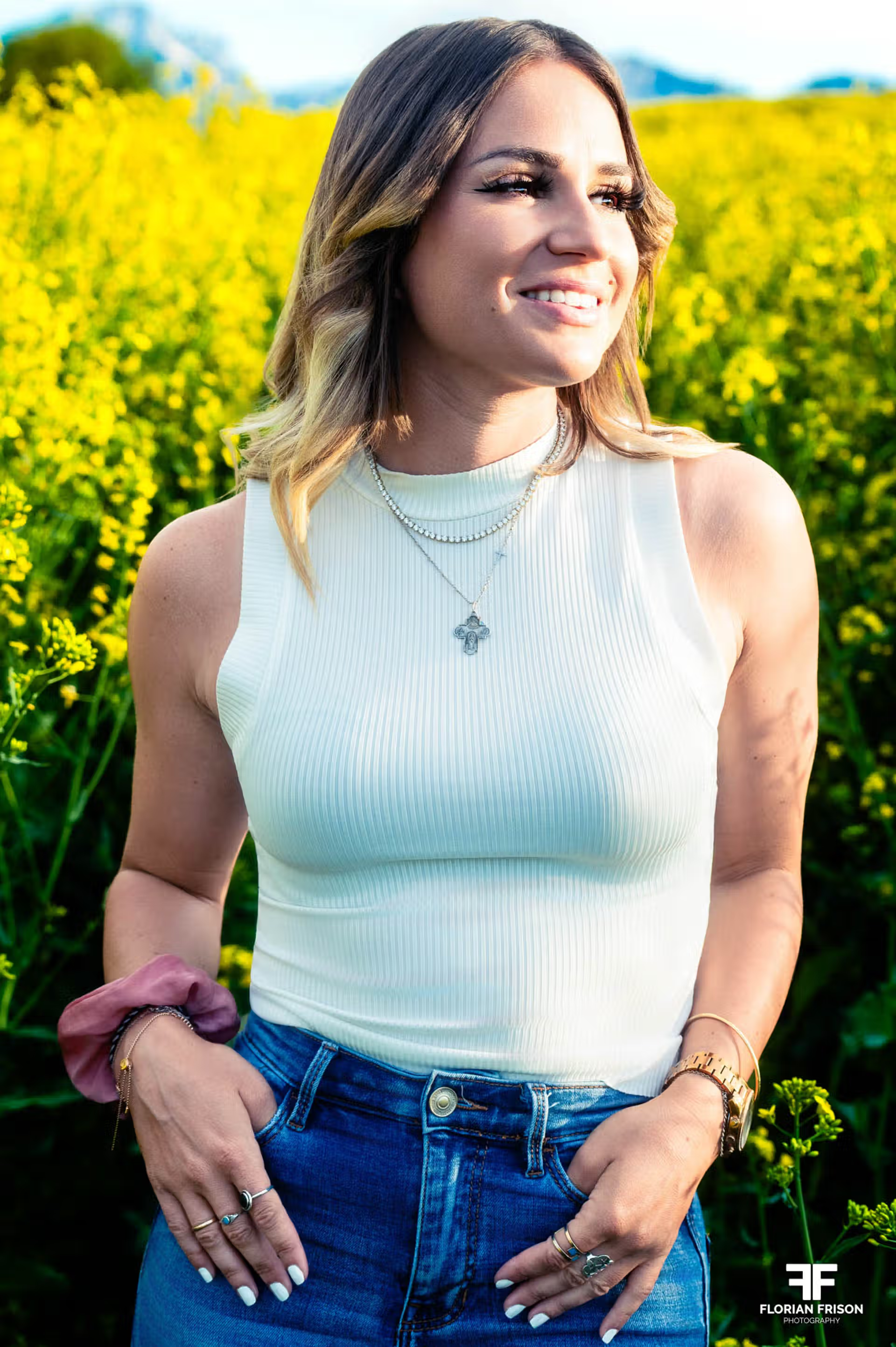
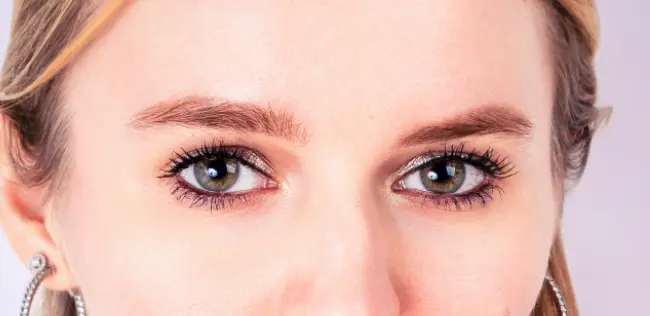
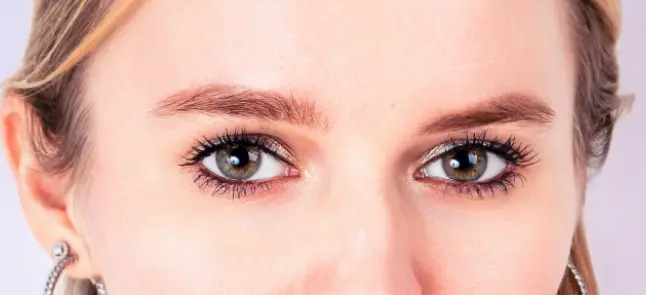
The eyes are the soul of a portrait. I sometimes use the subtle whitening function for the whites of the eyes (very slightly, never at full strength) and adjust the reflections in the eyes to give them more sparkle and depth.
What I NEVER Retouch
Because it's just as important to tell you what I don't touch:
❌ Freckles: They're part of your charm. Evoto actually allows me to preserve them by finely adjusting the sliders.
❌ Beauty marks: Unless you specifically request it, they stay. It's your identity.
❌ Natural expression lines: Does your smile create little wrinkles at the corner of your eyes? That's beautiful. I don't erase them.
❌ The shape of your face or body: I don't practice "reshaping." You're perfect as you are.
My philosophy: I remove what's temporary, I keep what is you..
Step 4: Export
Once retouching is complete in Evoto, I retrieve the image in Lightroom. Since I've already made all necessary adjustments before sending the photo to Evoto (development, color grading, cropping, etc.), all I have left to do is export your photos in high resolution, ready to be printed, shared, or framed.



Why Evoto Changed My Way of Working
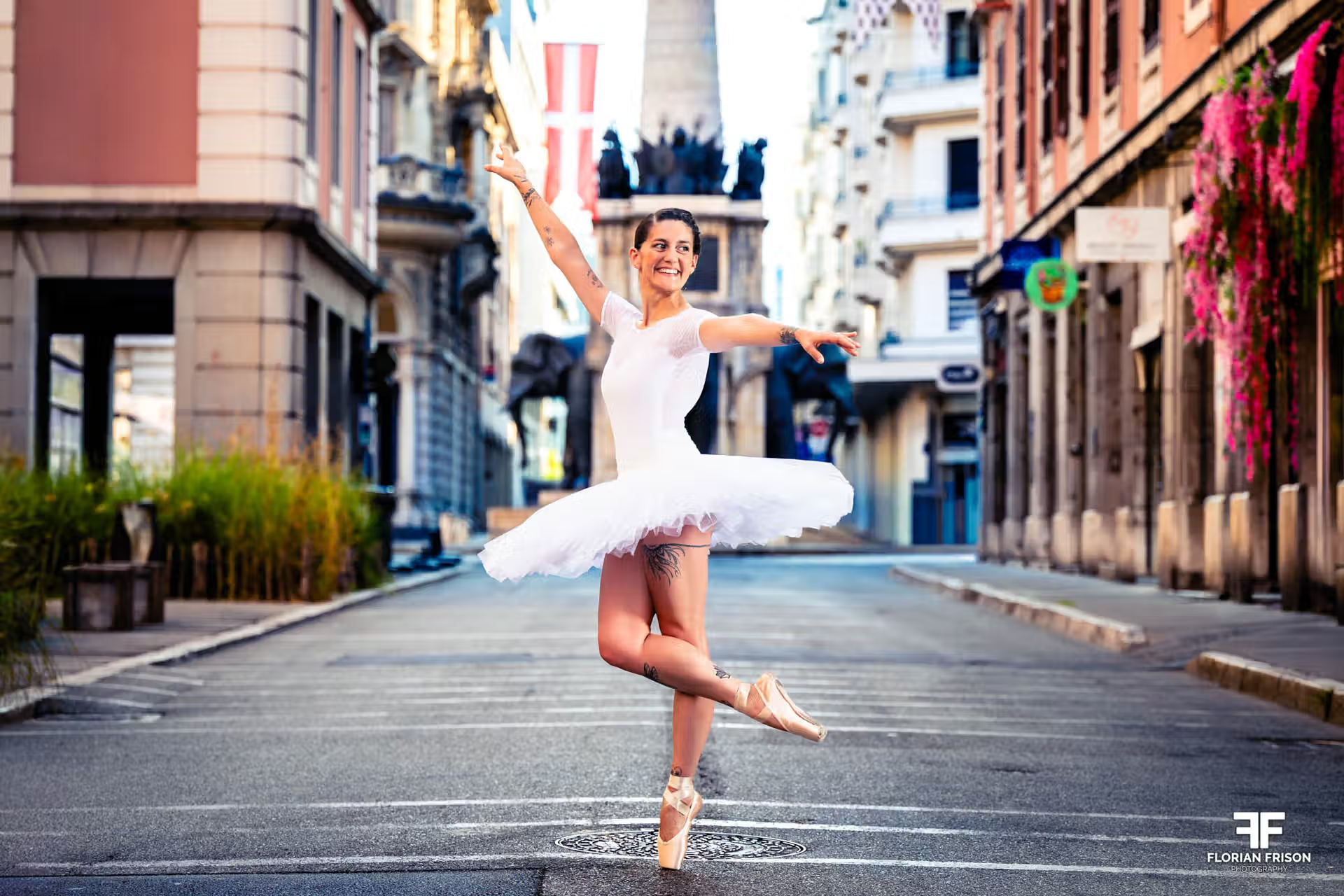
Before discovering Evoto, I spent endless hours in Photoshop retouching my models' skin. I had to use the healing brush on each pimple, one by one, then work with the clone stamp for more complex areas.
A portrait photo easily took me between 5 and 10 minutes of pure retouching (and that's being generous: on some complex cases, it could go much higher). Let's be conservative and assume 7 minutes on average. For a series of 60 photos, that represented 7 hours of work just for retouching.
Today, with Evoto, I process the same photo in less than a minute.For a series of 60 photos, I now only spend1 hour for all retouching. I save 6 hours on a single session.
This time saving has had a huge impact on my business:
- I can deliver your photos quickly (maximum 7-day turnaround)
- I can accept more sessions without sacrificing quality
- Time saved = less fatigue = more precision: I'm more attentive to details on each retouch
- I spend more time shooting and less time behind a screen
If you want to learn more about Evoto's technical features and see a complete test of the software, I wrote a detailed article on my site dedicated to sports and event photography: Test of Evoto: the portrait retouching revolution?
You Too Can Test Evoto for Free
Good news: unlike most other software, you can test Evoto without spending a penny. Moreover, this link gives you 15 free credits to get started: https://link.evoto.ai/florian
And if the software has convinced you, don't forget to use the promotional code FLORIAN to get 20% off..
My Quality Commitment
When you book a portrait session with me, you're guaranteed:
✅ A natural and professional result: You'll recognize yourself in your photos
✅ Custom retouching: Each photo is retouched individually, not mass automatic processing
✅ A consistent retouching style: You're hiring me for my artistic work and vision, that's what you'll find in your photos
✅ Respected delivery time: Thanks to my optimized workflow, I deliver your photos within 7 days maximum
✅ Ready-to-use photos: High-resolution format for printing
Ready to Live the Experience?
If you dream of portraits that truly look like you, that enhance your natural beauty without artifice, I'd be delighted to accompany you on this adventure.
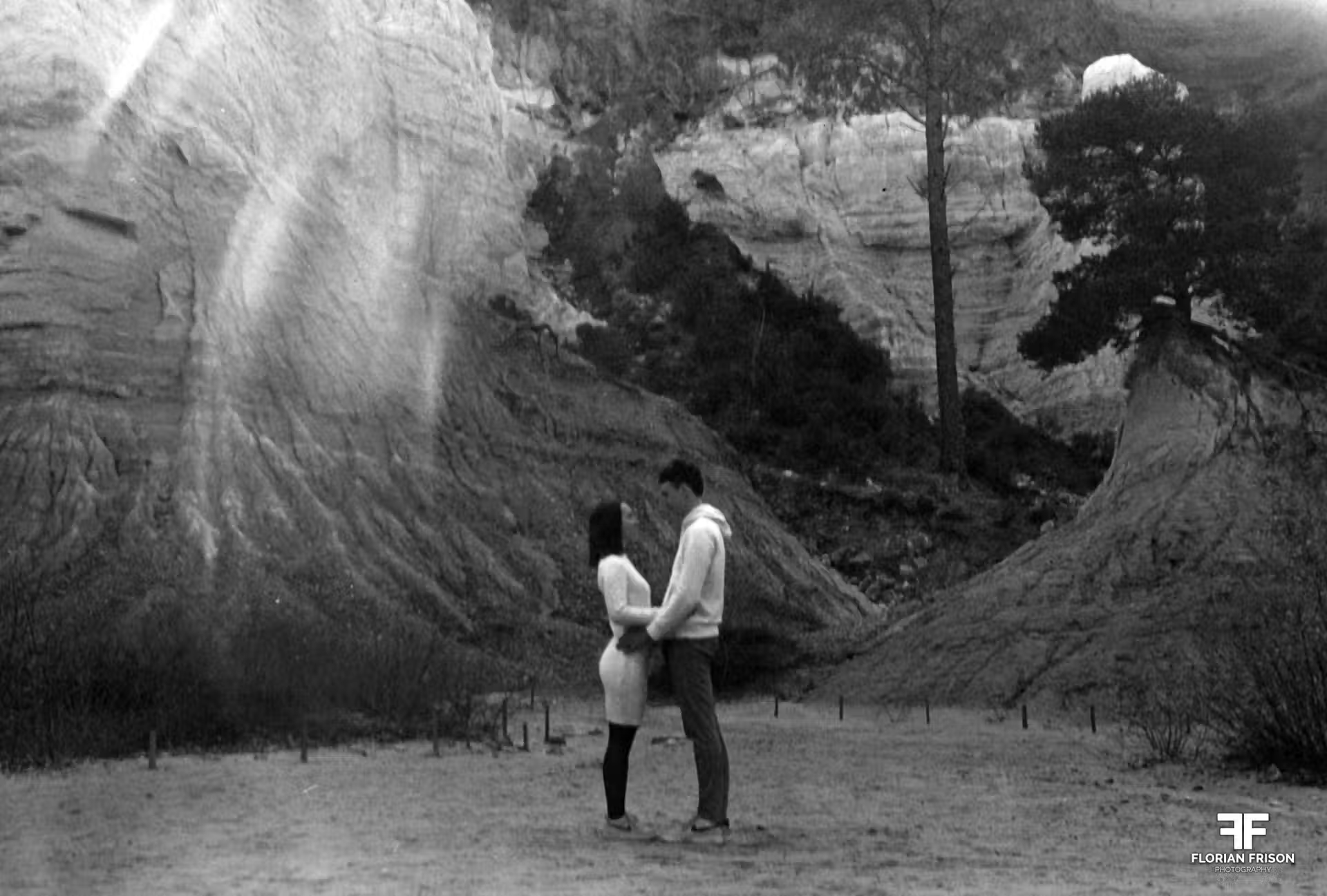
Whether it's for a personal portfolio, couple photos, a family event, or simply to treat yourself to a moment just for you, each session is unique..
For photographers who want to learn more about Evoto and its professional use, find my complete technical test of the software on Test of Evoto: the portrait retouching revolution?
0 Comments